Your laptop is faster with Arm

AI Summary

If you’re all about speed, smooth graphics, and all-day power, you want Arm. We’re behind some of the best laptops, powering the latest MacBook, Chromebooks, and Windows laptop as the CPU and GPU inside. So, whether you’re creating content, running AI workloads, or have 50 tabs open, Arm keeps your laptop fast, quiet, and cool.

Experience what Arm delivers

Arm Speed icon

Speed

With an average Geekbench score of 15,333 1 2 3, you can run AI tools, stream, study, and multitask across dozens of tabs without lag or overheating.

Arm power battery icon

Battery life

Arm CPUs use less power. They run AI on device efficiently, so creative tools, voice assistants, and background tasks stay smooth without draining battery.

Arm GPU chip icon

Display and graphics

Arm GPUs deliver desktop-level graphics with ultra-sharp rendering, smart upscaling, and smooth motion for a more immersive, lifelike experience.

Software

Software compatibility

Better laptop performance means faster apps. From streaming to gaming and productivity, your favorite apps are optimized for Arm CPUs—fast, responsive, and ready for everything you do.

Arm multitask icon

Multitasking

Twenty tabs open? ChatGPT running? Playlist looping? Arm CPUs are built to keep up—smooth and responsive, no matter how much you throw at them.

Laptops built with Arm architecture


MacBook Air

MacBook Air and Pro

M-series chips are Arm-based CPUs delivering:

  • Speed to keep up with your projects
  • Up to 24 hours of battery
  • Apps fully optimized for Arm and Apple silicon, accelerated by AI
Explore Macs
Microsoft Surface Pro laptop

Microsoft Surface Pro

Using Arm CPUs, the Surface Pro is built for:

  • Speed, multitasking, and on-device AI
  • Up to 20 hours of battery life
  • Seamless app experiences with Windows on Arm optimizations
Explore Surface Pro
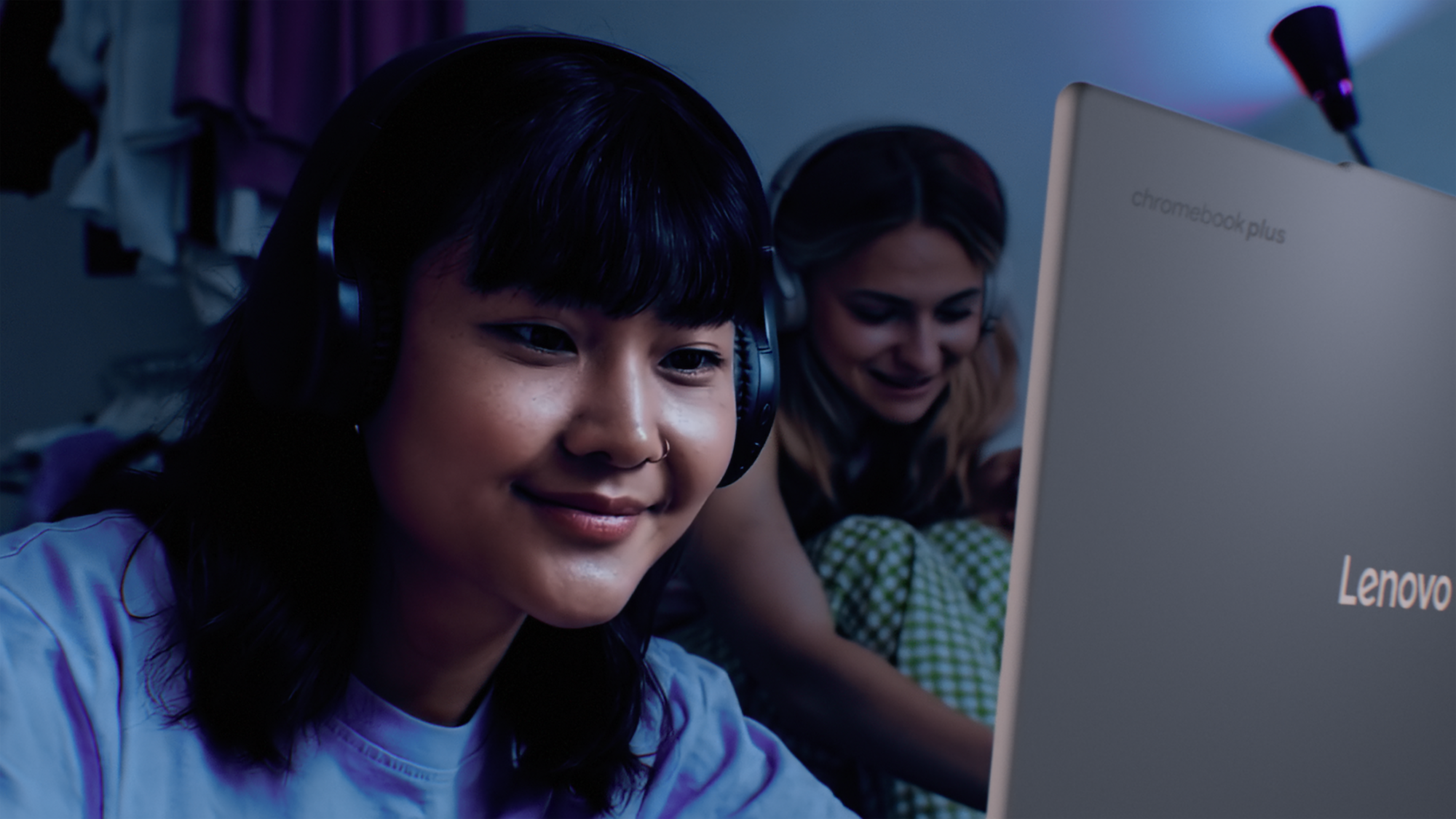
Lenovo Chromebook Plus 14

Lenovo Chromebook Plus

Using the MediaTek Kompanio, an Arm-based CPU, and Arm Immortalis GPU, the new wave of Chromebook Plus devices give:

  • Fast, lightweight responsive performance
  • All-day battery life
  • Smooth visuals for streaming, video calls, and cloud gaming
  • Built-in AI tools like Magic Eraser, voice typing, and smart replies run fast—right on your device
Explore Lenovo Chromebook Plus
Acer Chromebook Plus Spin 514

Acer Chromebook Plus Spin 514

Built on the Arm CPU and GPU used in MediaTek Kompanio Ultra, Acer’s convertible Chromebook Plus is built for:

  • Responsiveness and privacy with AI running locally
  • Up to 17 hours of battery life
  • Rich visual and smooth streaming
Explore Acer Chromebook Plus Spin 514
Arm arc static image. Dark gradient blue, purge background image

FAQs

What is an Arm CPU?

An Arm CPU is a type of processor designed using Arm architecture, known for being super power efficient without sacrificing performance. It’s the brain running your laptop.

What is an Arm GPU?

An Arm GPU is the graphics engine designed by Arm, optimized for smooth visuals with minimal power use. It’s built to handle everything from crisp 4K video playback to high-frame-rate gaming.

Are MacBooks built on Arm architecture?

Yes, every MacBook with Apple silicon (M1, M2, M3, etc.) uses Arm architecture under the hood. That’s a big reason they have great performance and battery life.

Are Windows laptops built on Arm?

Some are—and the list is growing fast. Microsoft’s latest Surface devices, plus laptops from brands like Samsung, Lenovo, and HP, now use Arm-based chips.

Are Chromebooks built on Arm?

Many are. Arm-based Chromebooks are especially popular for their long battery life, instant-on performance, and lightweight design—perfect for students, casual work, or streaming marathons.

Do Arm laptops really offer much better battery life?

Yep. Arm-based chips sip power instead of chugging it, which means all-day (sometimes multi-day) battery life without needing to recharge.

Will my existing software run on Arm?

In most cases, yes. Many apps already run natively on Arm for max performance. Others run through built-in compatibility layers (like Apple’s Rosetta 2 or Windows 11’s x64 emulation), so you can still use your go-to software while developers roll out Arm-optimized versions.