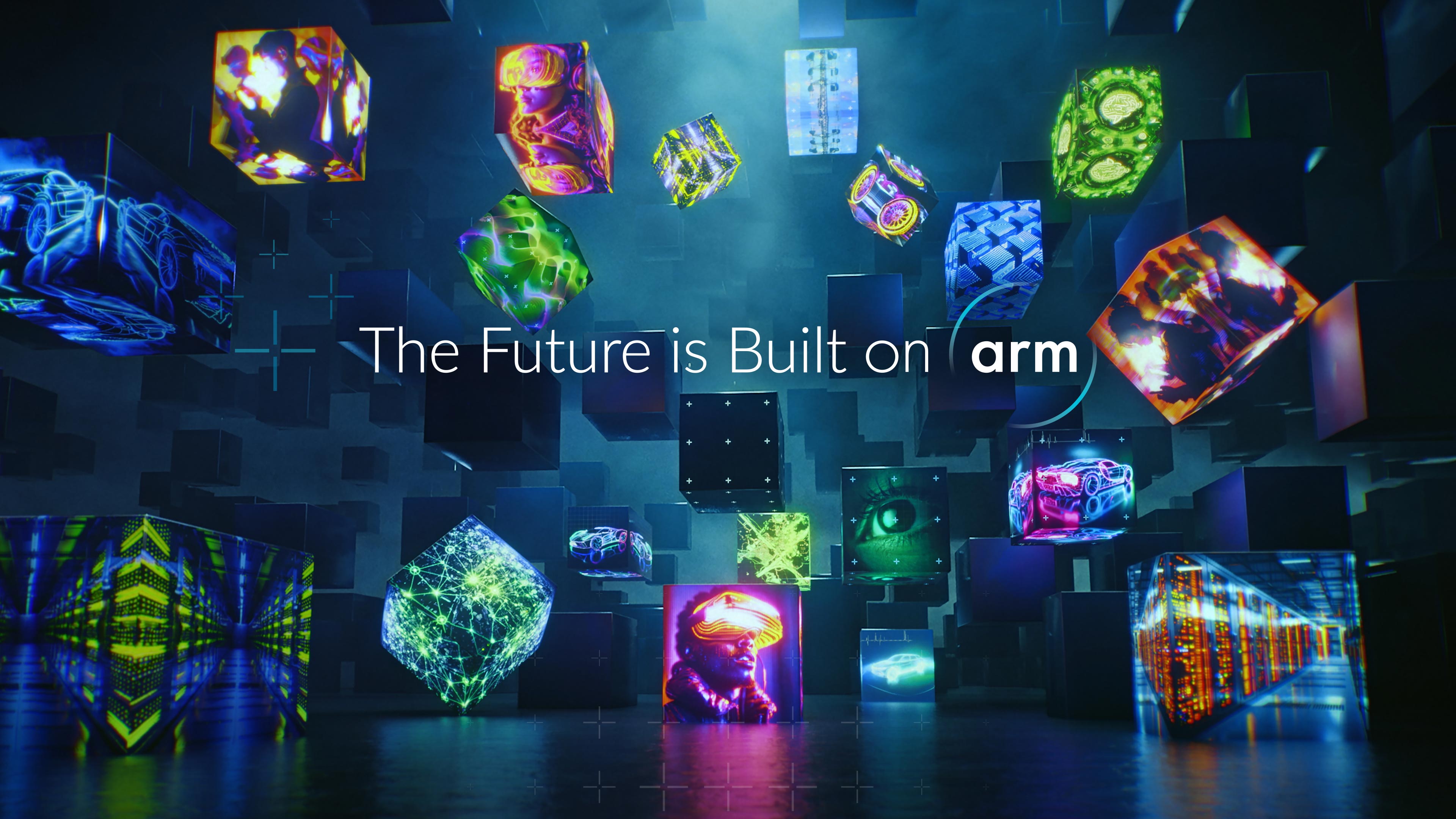
Building the Future of Computing on Arm. Together. For Everyone.



Drive Innovation with Arm Technology

Artificial Intelligence
The Future of AI is Built on Arm

Consumer Devices
Empower Intelligence in our Connected World

IoT
Innovate at Scale Across IoT Markets

Infrastructure
Enable the AI Infrastructure on Arm

Automotive
Stay Ahead of the Curve on Arm
Power and Performance in Every Product
- Processor IP
- Graphics & Multimedia
- Security IP
- Development Tools
- System IP
Processor IP
Arm is the leading technology provider of processor IP, offering the widest range of processors to address the performance, power, and cost requirements of every device. Arm CPUs and NPUs include Cortex-A, Cortex-M, Cortex-R, Neoverse, Ethos, and SecurCore.
Graphics and Multimedia
Arm provides the ultimate visual and multimedia experiences across a wide range of devices. Arm Immortalis delivers visually stunning graphics, while Arm Mali brings next-gen camera and ISP technology to automotive, consumer and embedded devices.
Security IP
Arm provides a range of security IP that extends across systems and is designed to safeguard against a variety of modern-day attacks. Our security IP fits together for layered protection and supports the agnostic Platform Security Architecture framework.
Development Tools
Arm constantly invests in tools to help achieve the target performance and efficiency points for any system built on the Arm architecture. Our tools help optimize application performance, de-risk rollouts, and accelerate innovation for every device.
System IP
Arm System IP provides the foundation design teams need to build better systems. Configurable for many different applications, our System IP enables designers to build Arm AMBA systems that are high in performance, power efficient, and reliable.

The latest AI apps deserve a cool, quiet laptop with built-in safety and performance.

Arm scalable technology powers the smartphone with high performance and low cost.

Immersive, interactive mobile gaming experiences come to life on Arm technology.

Arm Neoverse technology helps optimize cloud performance, efficiency, and costs.

Our layered approach to security helps partners create safe, secure experiences.

Arm continues to promote innovation through emerging technologies and trends.

70%
of the world's population uses Arm-based products
280B+
Arm-based chips shipped to date

99%
of smartphones run on Arm-based processors
50%
of all chips with processors are Arm-based
An Ecosystem of Trust
Arm is at the epicenter of the world’s largest compute ecosystem. Our vast community of software, tools, and service partners support and enable the use of our technology across markets and applications.










Arm Blogs
Arm executives and influencers bring insights and opinions from the world’s largest compute ecosystem.
